Guide · FFmpeg
Apply LUTs with FFmpeg
Batch-grade a folder of AI clips from the command line. Every Lutpack file is tested with FFmpeg's lut3d filter before release.
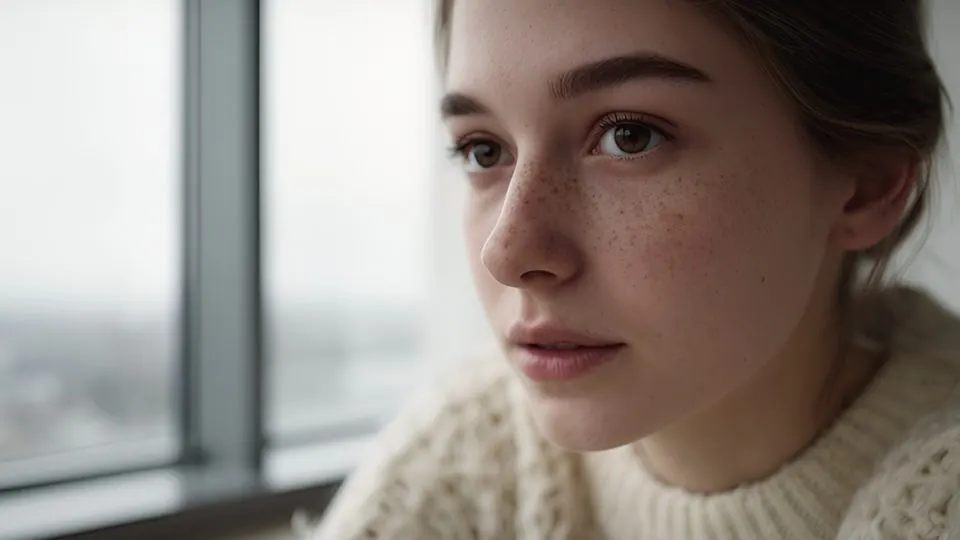 Before · AI clipAfter · Portrait 400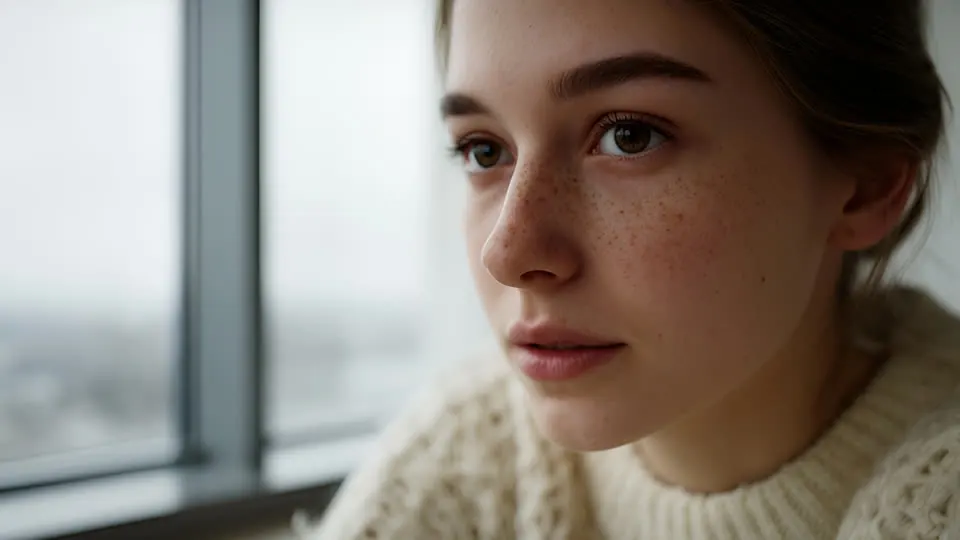
Apply a LUT
- 01Apply a look: ffmpeg -i in.mp4 -vf "lut3d=file='Lutpack Daylight 250D.cube'" -c:a copy out.mp4
- 02At 60% strength: ffmpeg -i in.mp4 -filter_complex "[0:v]split[a][b];[b]lut3d=file='look.cube'[g];[a][g]blend=all_expr='A*0.4+B*0.6'" out.mp4 (or just use the Soft 60 file).
- 03Batch a folder: for f in *.mp4; do ffmpeg -i "$f" -vf "lut3d=file='look.cube'" -c:a copy "graded/$f"; done
- 04Log footage: use the matching file from “03 Log” — it converts to Rec.709 and applies the look in one pass.
Add -c:v libx264 -crf 16 -preset slow -pix_fmt yuv420p for a high-quality H.264 master.
Add grain & light leaks
- 01Grain (Overlay blend): ffmpeg -i in.mp4 -stream_loop -1 -i grain.mp4 -filter_complex "[1:v]scale=1920:1080,format=gbrp[g];[0:v]format=gbrp[v];[v][g]blend=all_mode=overlay:all_opacity=0.6,format=yuv420p" -shortest out.mp4
- 02Light leak (Screen blend): same command with all_mode=screen.
- 03Grade then grain in one pass: put lut3d=file='look.cube' before format=gbrp on [0:v].
- 04Dust with alpha: ffmpeg -i in.mp4 -stream_loop -1 -i dust.mov -filter_complex "[1:v]scale=1920:1080[d];[0:v][d]overlay=shortest=1" out.mp4
The 20 overlays (20 files at 4K) are in Lutpack Pro — $29 once.