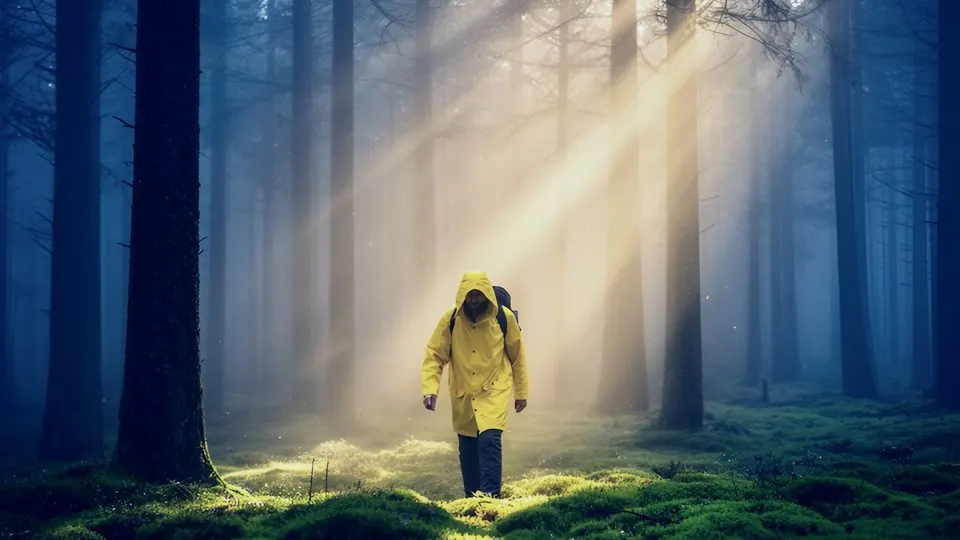
 Before · AI clipAfter · Moonlight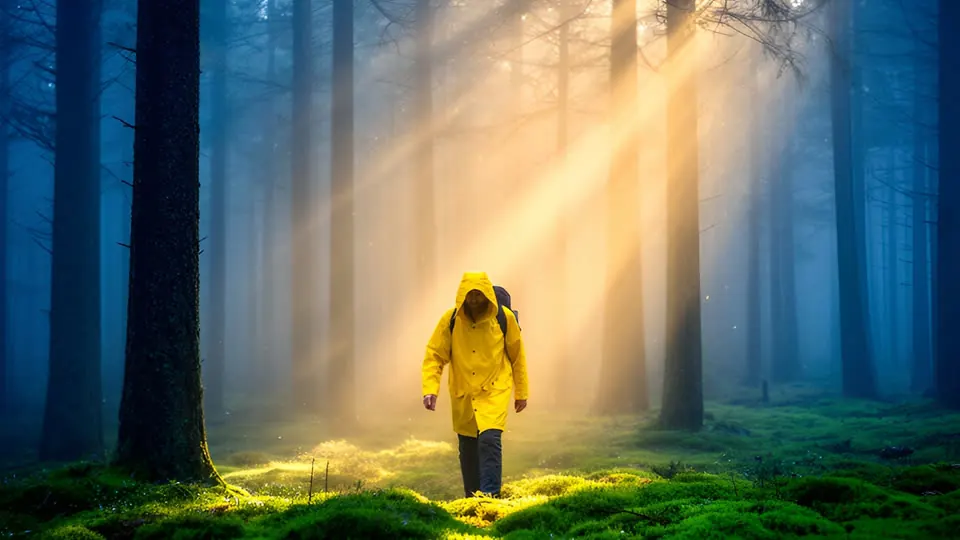
Drag the frame to compare. The preview applies the shipped .cube file live in your browser — what you see is what you download.
Prompt suffix
Append to your Kling, Veo, Seedance or Sora prompt so the clip is generated closer to this look.
, silver-blue moonlight with the colour drained out, night exterior shot on film, practical lights, sodium vapour streetlights, deep clean blacks, glowing highlights with halation, wet reflective streets, high ISO grain
Install
- 01Select your clip (or an adjustment layer above several clips) and open Window → Lumetri Color.
- 02Under Creative → Look, choose Browse… and pick a file from “01 Rec709 - AI footage”.
- 03Lower Creative → Intensity to 50–70 if the look is too strong for your clip. The “Soft 60” folder is the same look pre-mixed at 60%.
- 04Shot in log on a real camera? Put the matching file from “03 Log” in Basic Correction → Input LUT instead, and leave Creative empty.
Related
All items →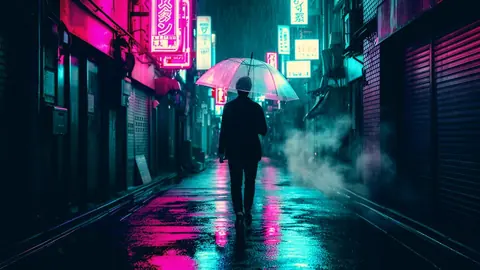
 BeforeFree
Sodium Street
NightOrange streetlight against deep cyan night.
 Before
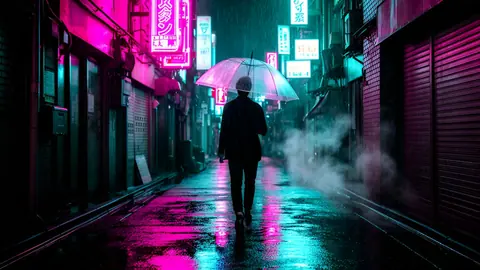
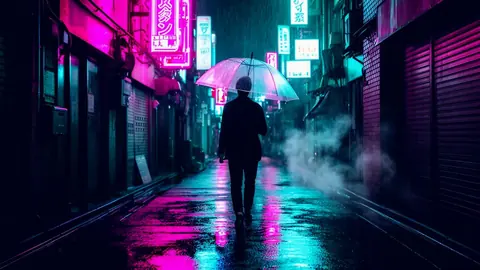
Neon Noir
NightGlossy black wet streets, neon kept rich, skin kept human.
 Before
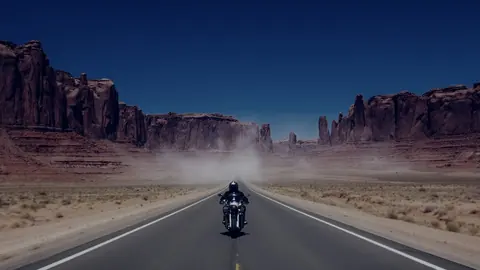
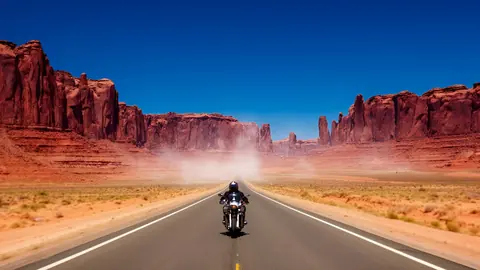
Day for Night
NightTurns daylight shots into convincing night: underexposed, blue, low-sat.
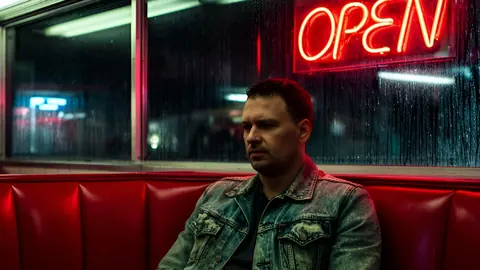 Before
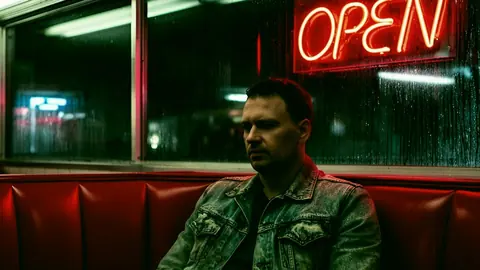
Nightcrawl
NightSickly green-yellow city night, sodium and fluorescents.