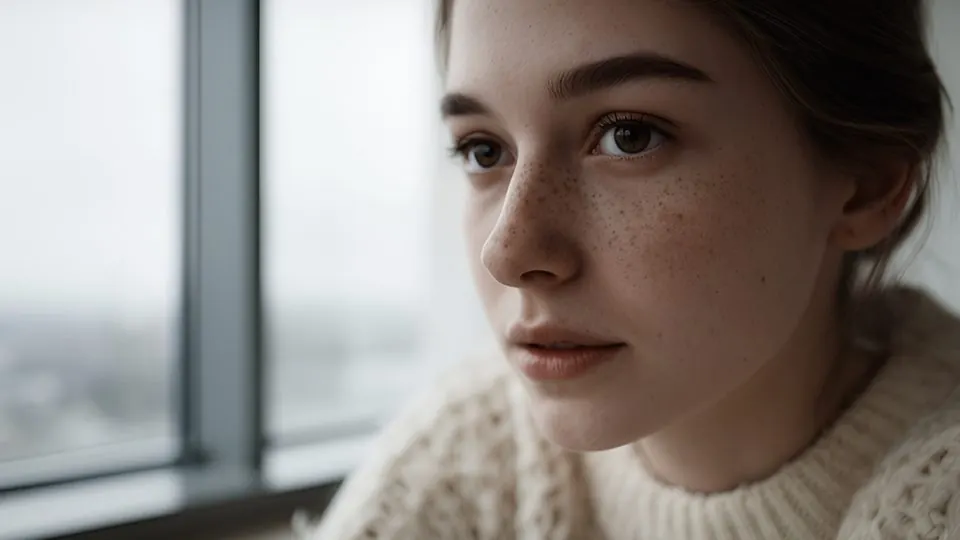
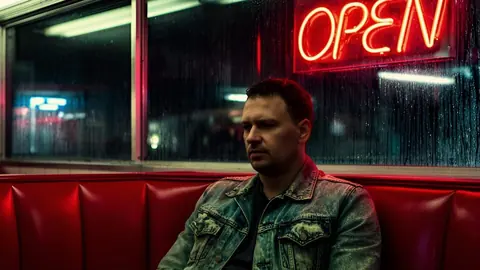
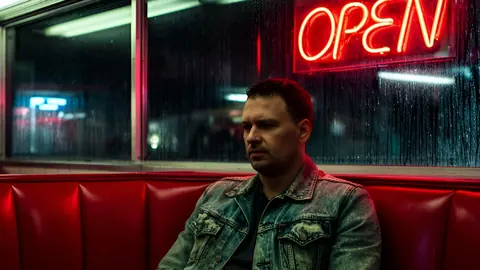
 Before · AI clipAfter · Skin Natural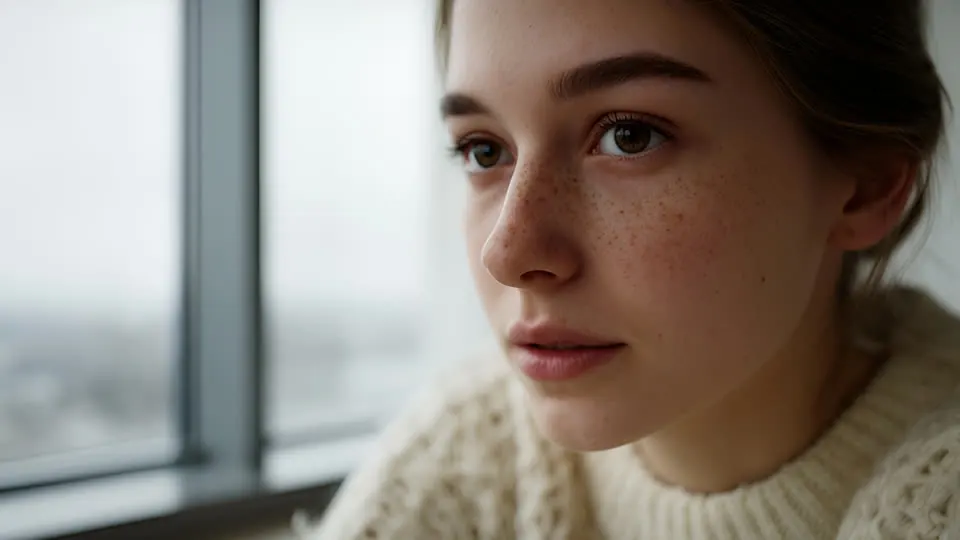
Drag the frame to compare. The preview applies the shipped .cube file live in your browser — what you see is what you download.
Prompt suffix
Append to your Kling, Veo, Seedance or Sora prompt so the clip is generated closer to this look.
, fixes orange or pink AI skin and sits every face on the skin line, clean commercial cinematography, soft key light, accurate natural skin tones, bright airy exposure, crisp but not oversharpened, premium advertising look
Install
- 01Select your clip (or an adjustment layer above several clips) and open Window → Lumetri Color.
- 02Under Creative → Look, choose Browse… and pick a file from “01 Rec709 - AI footage”.
- 03Lower Creative → Intensity to 50–70 if the look is too strong for your clip. The “Soft 60” folder is the same look pre-mixed at 60%.
- 04Shot in log on a real camera? Put the matching file from “03 Log” in Basic Correction → Input LUT instead, and leave Creative empty.
Related
All items →
 BeforeFree
Clean Neutral
Clean commercialRemoves the AI plastic: tames saturation and contrast, keeps colour true.
 Before
Bright & Airy
Clean commercialLifestyle brightness with pastel colour and soft whites.

 Before
Product Pop
Clean commercialCrisp, saturated, clean-white product look.
 Before
Warm Lifestyle
Clean commercialGolden-hour brand film warmth without the orange cast.